
The big picture on your Mac.
On iPhone you see your Apple Health data. On Mac you see everything: iCloud exports, your databases and other sources, side by side, with the room a real screen gives you.
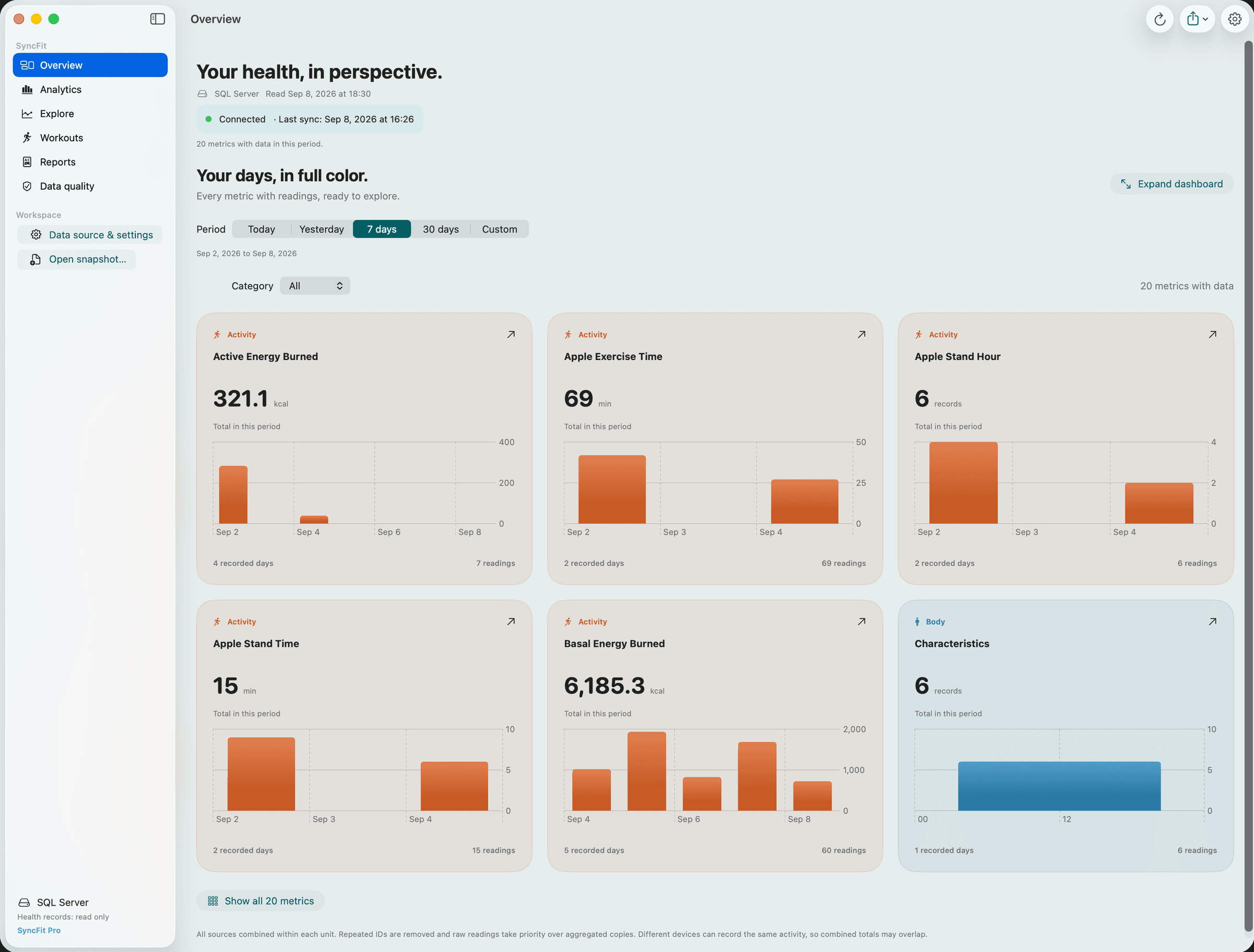
Every metric with readings in the period, one colour-coded panel each. Expand to a full dashboard.
Six workspaces. One dataset.
Overview
Every metric with readings in the period, one colour-coded panel each, totals or daily averages, expandable to a full dashboard.
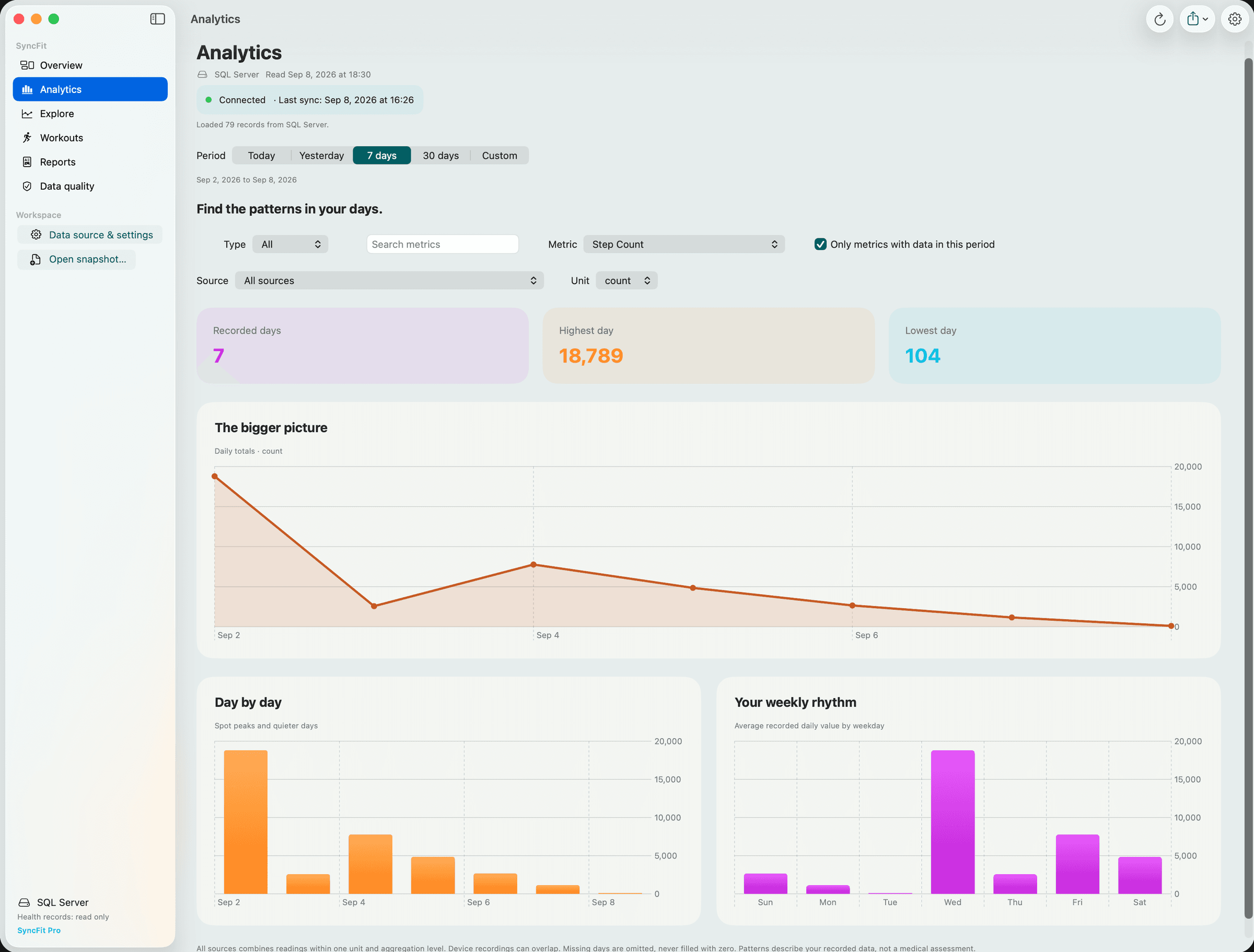
Analytics
Period over period, missing-day detection, trend within the period, best and lowest day, median and spread.
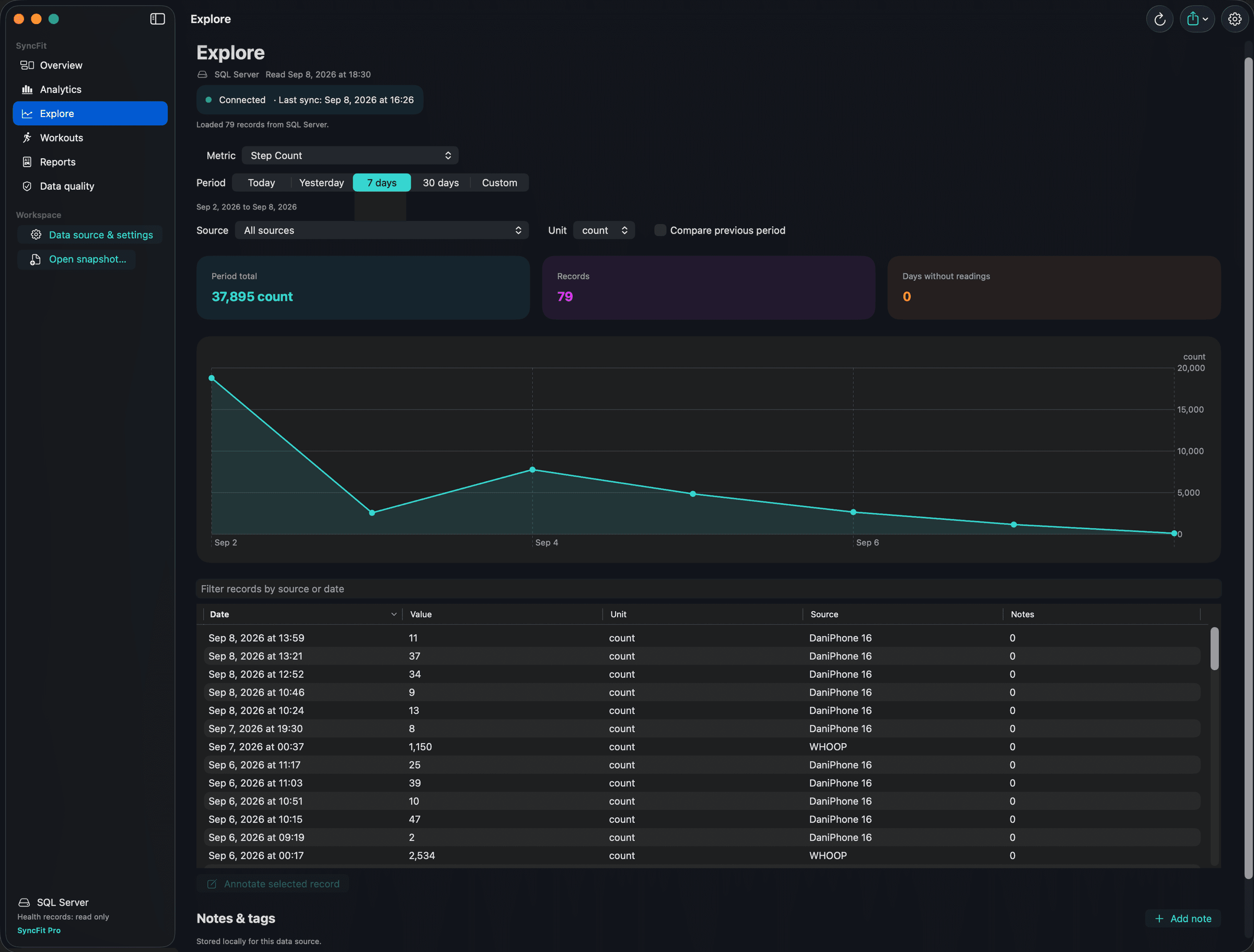
Explore
Any metric, any range, any source or unit. Filter, sort and annotate individual records.
Workouts
Sessions by type, duration and source, with routes on a map and GPX export.
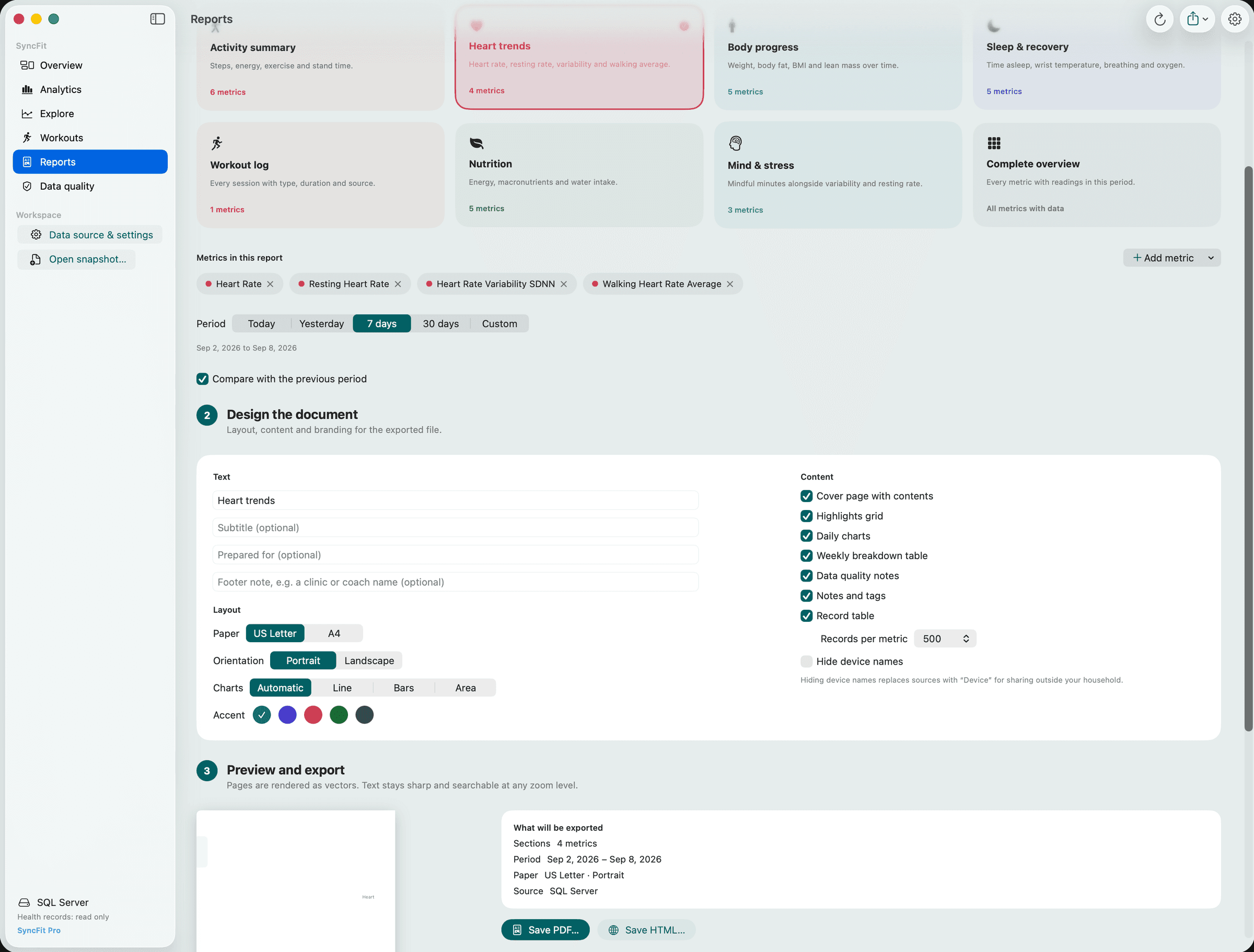
Reports
Eight templates, multi-metric sections, live page preview, vector PDF and interactive HTML export.
Data quality
Sources, units, duplicate ids, non-finite values and last-record timestamps so you can trust what you export.
Bring data in three ways.
Mac sync through iCloud
Send a chosen history window from iPhone. It travels through your own iCloud container and lands on the Mac. No SyncFit server.
Your database
Point the Mac at the same PostgreSQL or SQL Server your iPhone exports to. Notes can live there too, shared across machines.
Snapshot files
Open any SyncFit JSON or CSV export directly. Handy for archives or a second person’s data.
Included. Not extra.
SyncFit for Mac is unlocked by the same one-time Pro purchase as the iPhone app. Buy on either device, restore on the other. No subscription.